
All your IPTV, beautifully on your TV
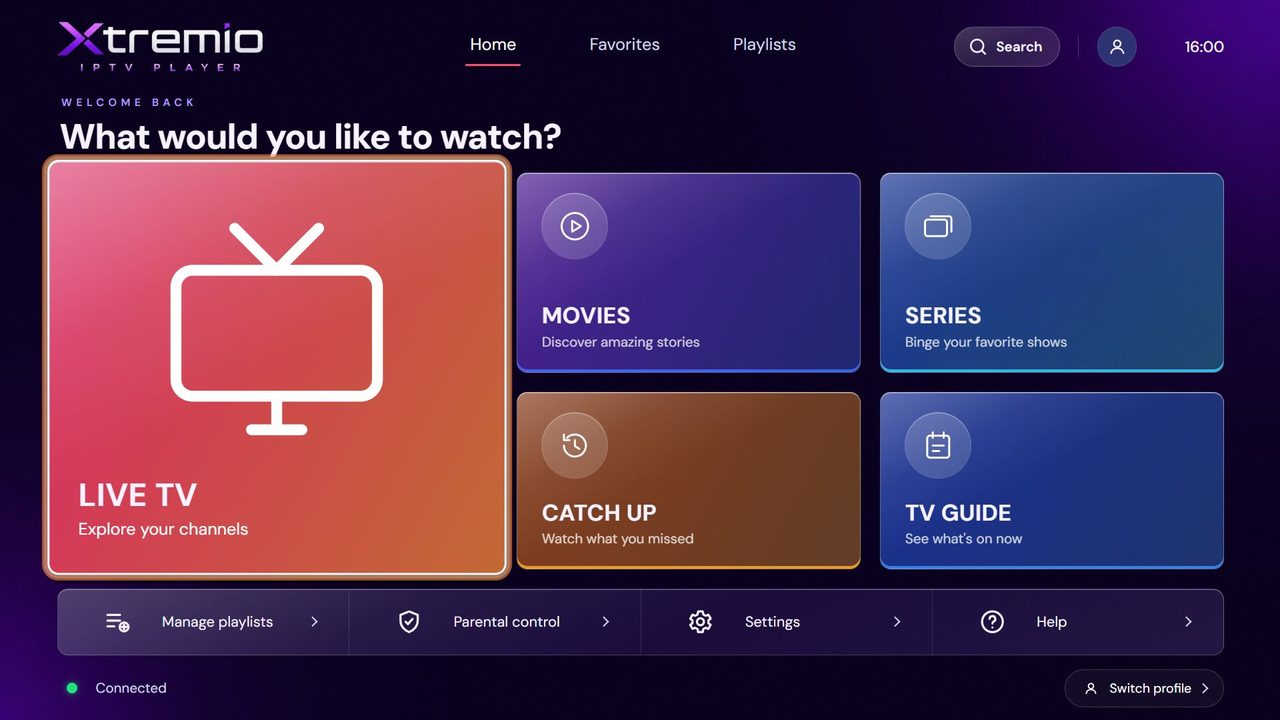
Live TV with a full guide, movies and series with posters and cast, catch up and profiles — from your own Xtream, M3U or MAC portal playlist.
- 3-day free trial
- No account needed
- Samsung 2019 and newer
Up and running in three steps
- 1
Install the app
Open XTREMIO IPTV PLAYER on your TV. It shows your MAC address and Device Key.
- 2
Add your playlist
Scan the QR code shown on your TV, or log in here with the MAC and key, and add your Xtream, M3U or MAC portal playlist.
- 3
Watch
The TV picks the playlist up by itself within seconds. 3 days free, then activate once.
Everything you expect from a premium player
Designed for the remote: fast, clear and light on any Smart TV.
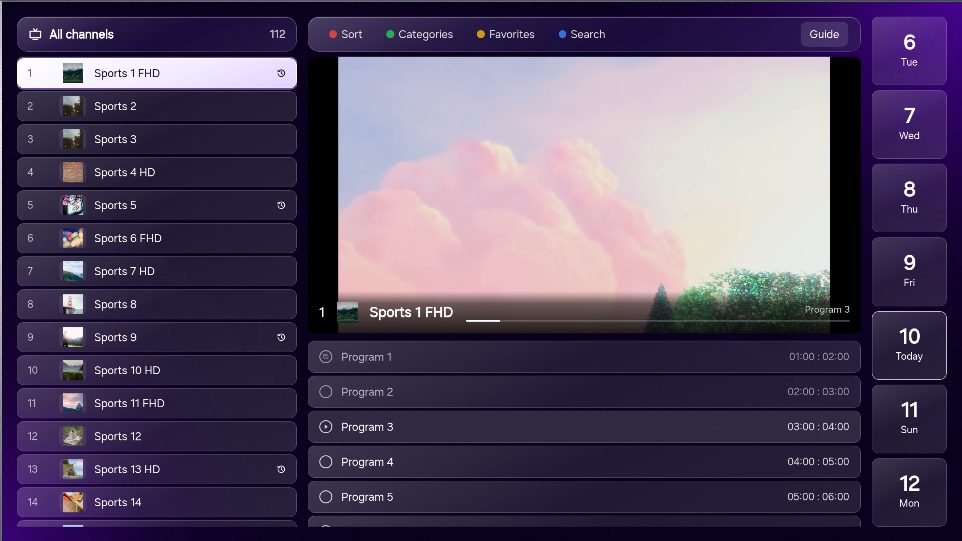
Live TV & TV guide
Channels by category, instant preview, favourites and a full programme guide.
Movies & series
Posters, synopsis, cast and seasons, and resume exactly where you stopped.
Catch up
Watch what you missed on channels that keep an archive.
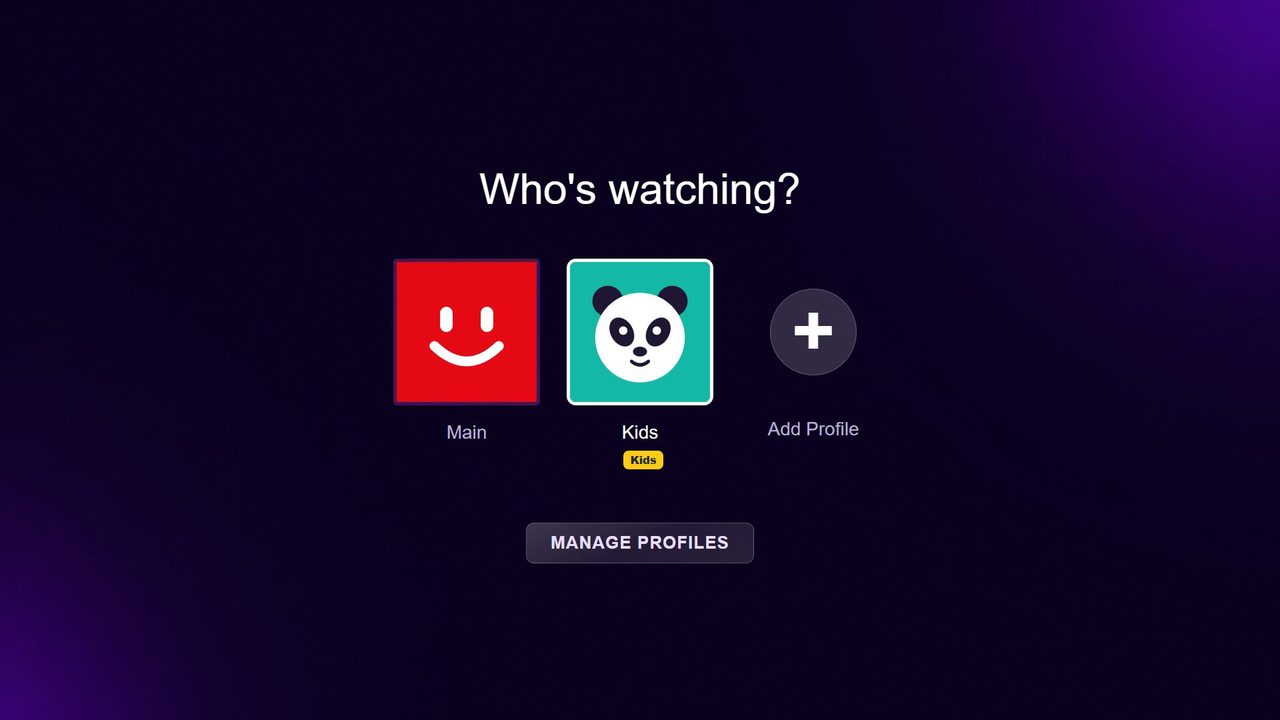
Profiles with PIN
A profile and avatar for everyone, kids mode and parental control.
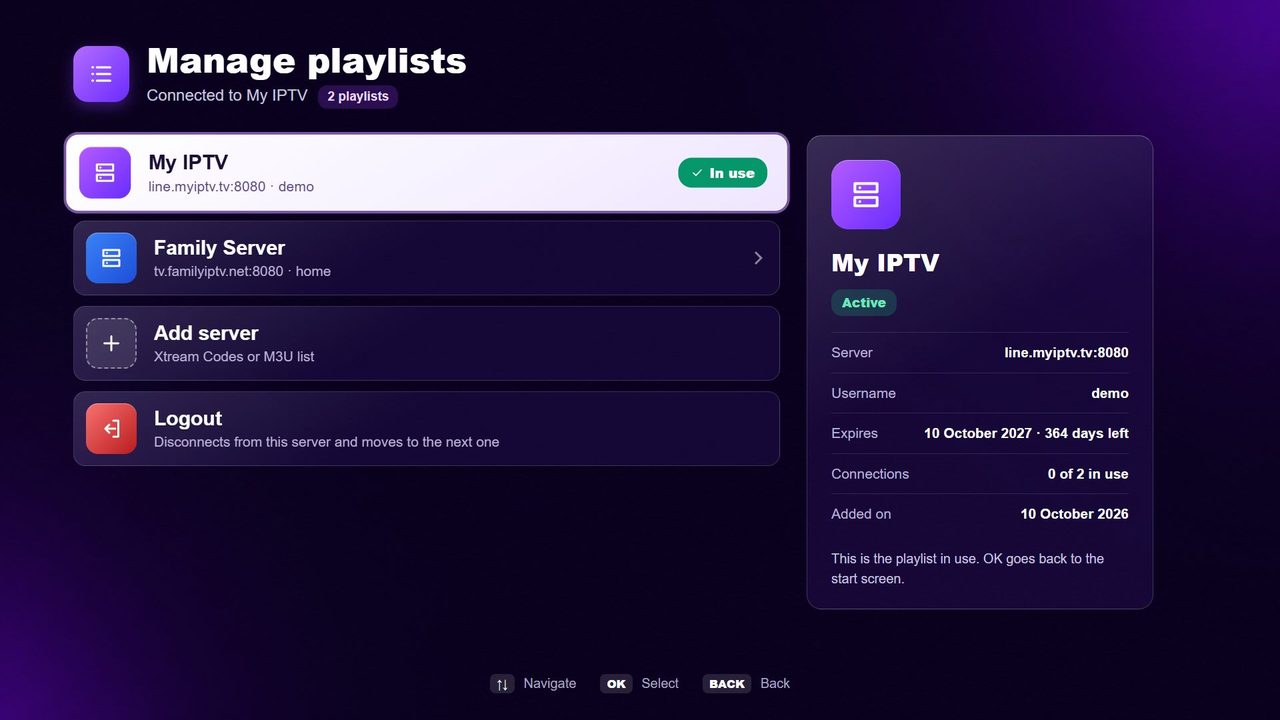
Several playlists
Add more than one server and switch any time — from the TV or from your phone.
10 languages
English, Arabic, French, Spanish, Portuguese, German, Italian, Turkish, Russian and Dutch.
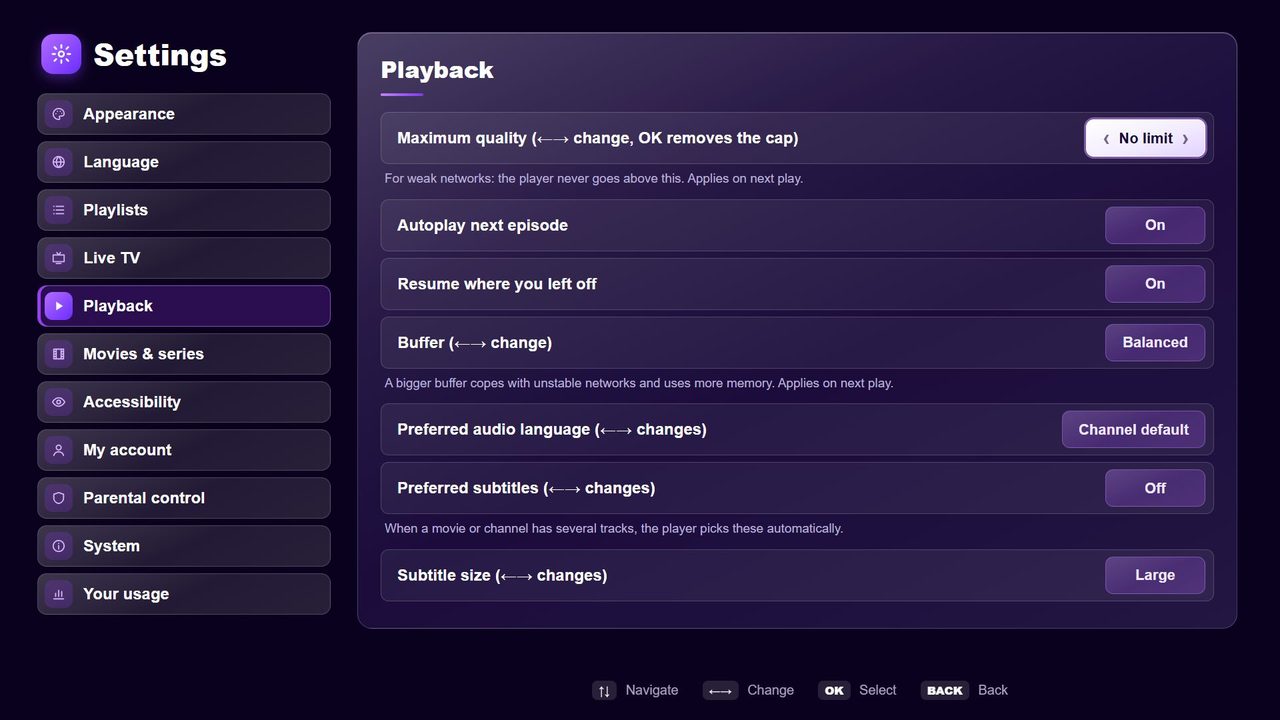
A look inside the app
Simple pricing
Try every feature free for 3 days. Then one payment per TV — no hidden costs.
Available on
Ready to watch?
Install XTREMIO on your TV, add your playlist and start watching in minutes.